 Snagline
Punch list app: add, track and close out items
Run a punch list on your phone: add items with photos, priority and trade, put them in walk-round order, mark them fixed and share a PDF.
In this video
- Punch list app: add, track and close out items
- Numbered issues, status at a glance
- Describe the snag
- Priority, location and trade
- Saved and numbered automatically
- Drag to reorder: numbers follow
- Mark issues fixed as trades finish
- See what is outstanding or overdue
- Finished the walk-round?
- Choose a layout
- Filter by status
- Your logo, photos, plans and signature
- Snagline: snag lists, punch lists and site audits
Transcript
Punch list app: add, track and close out items. From the first walk-round to a clean handover, on one phone.
Numbered issues, status at a glance. Issues are numbered in order and coloured by status, so you can see what is open, in progress, fixed or closed without opening anything.
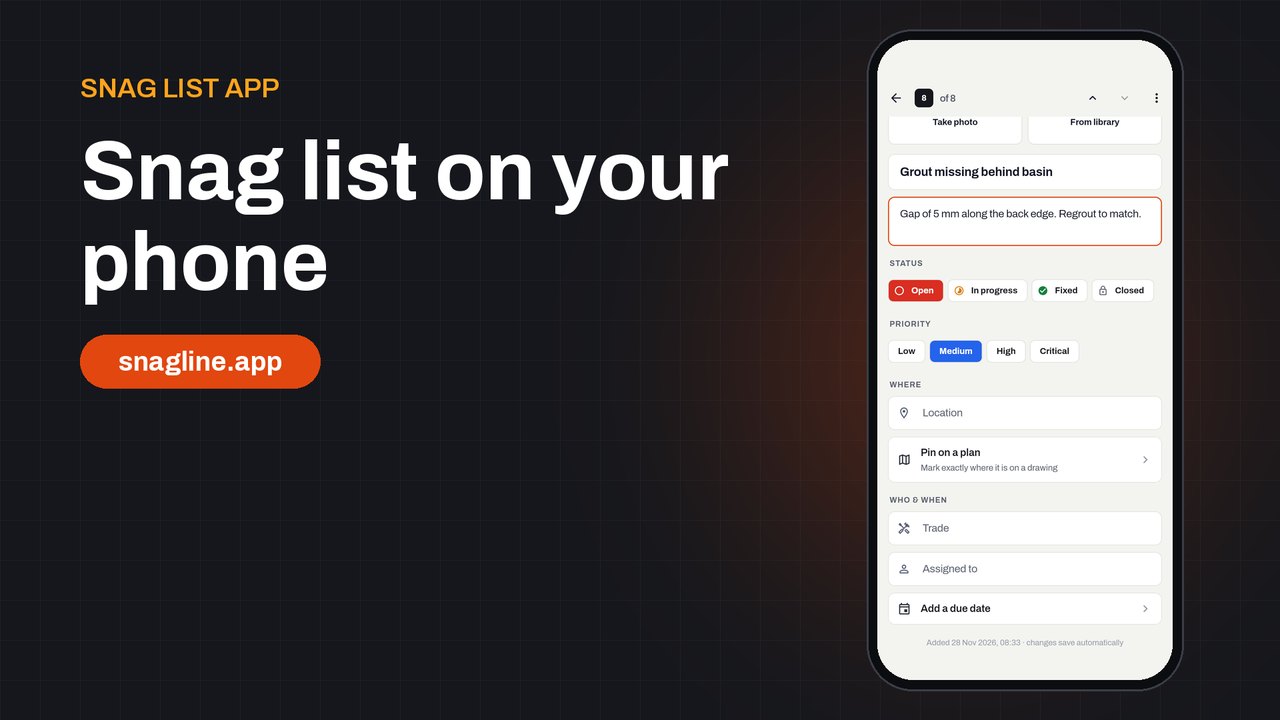
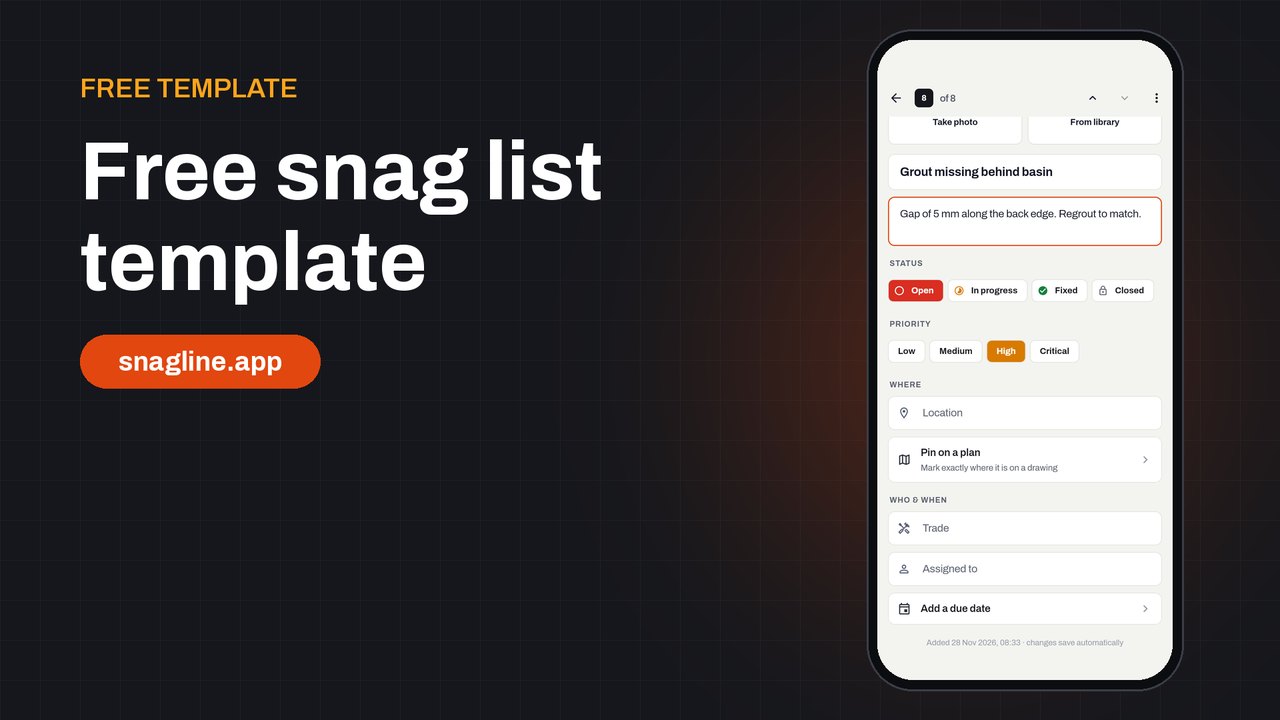
Describe the snag. Write what is wrong and what needs doing, the way you would say it to the trade: where it is, what is wrong, how big.
Priority, location and trade. Set the priority, pick the room or area, and add the trade and who is responsible so the list can be split and sent on.
Saved and numbered automatically. There is no save button: the issue is stored on the phone straight away and gets the next number on the list.
Drag to reorder: numbers follow. Put the list in walk-round order. Issue numbers follow the order, so the list and the report always match.
Mark issues fixed as trades finish. As each item is put right, mark it fixed. When it has been checked, close it.
See what is outstanding or overdue. Filter to what is still outstanding, or overdue against its due date, before the next visit or the handover.
Finished the walk-round?. When the inspection is done, make the report from the project screen. No typing it up later.
Choose a layout. Classic puts each issue in a row with photos beside it, Bold gives big photos and coloured status bars, Compact is a dense table for long lists.
Filter by status. Include only open issues for the contractor, or everything for the client. Choose how many photos per issue.
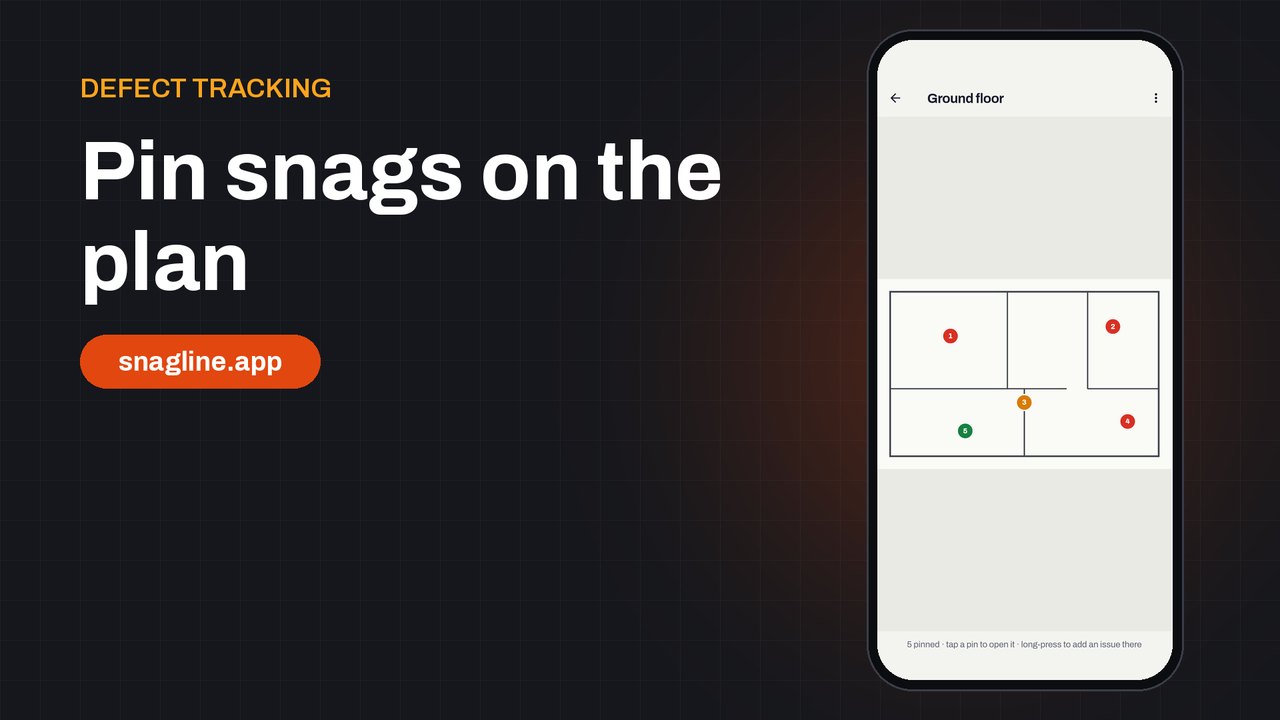
Your logo, photos, plans and signature. Reports carry your logo and company details, the marked-up photos, the plans with pins and a sign-off. Share the PDF or export CSV for Excel.
Snagline: snag lists, punch lists and site audits. Free for up to 3 projects, on iPhone. Get it at snagline.app
 How to make a snag list on your phone
 How to mark up snagging photos
 Pin defects on floor plans
 How to create a site inspection report with photos
 Free snagging list template: Word, Excel and PDF